Switching your practice has never been easier
Leave behind clunky, generic tools like Jane, SimplePractice, or Owl. Migrate to the platform built exclusively for mental health professionals.
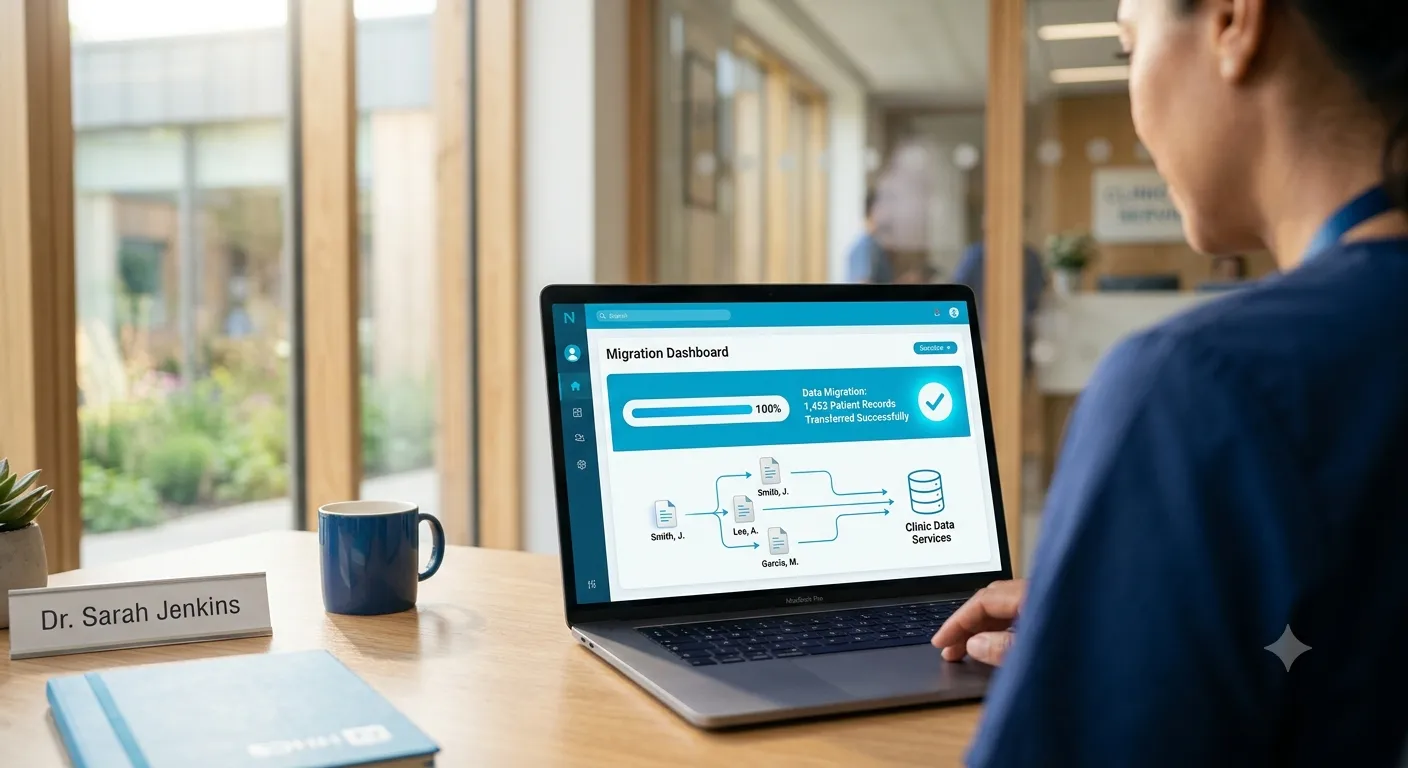
Considering a switch to NousTalk?
Whether you're currently using Jane, SimplePractice, or Owl Practice, see how a purpose-built mental health platform can streamline your day.
Jane
Great for Multidisciplinary, Better for Therapy
While Jane is fantastic for physical clinics, mental health professionals often need more specialized tools for complex charting.
The NousTalk Advantage
NousTalk is purpose-built for mental health, offering dedicated clinical notes, outcome measures, and specialized therapy workflows.
SimplePractice
A Popular Choice, An Easier Transition
SimplePractice offers a wide range of features, but you may be looking for a platform tailored specifically to your clinical model.
The NousTalk Advantage
NousTalk provides transparent pricing and an intuitive interface designed to seamlessly support your mental health practice.
Owl Practice
A Solid Foundation, A Modern Upgrade
Owl has been a reliable tool for many, but as your practice grows, you might need a more modern and responsive experience.
The NousTalk Advantage
NousTalk delivers a lightning-fast, modern platform that helps shave hours off your administrative and charting work.
A Seamless 3-Step Migration
We know moving your data is scary. That's why our dedicated white-glove onboarding team handles the heavy lifting for you.
1. Export Your Data
Simply export your client lists, notes, and appointments from your current provider. We'll show you exactly how.
2. We Handle the Import
Our secure, automated migration tools will map your historical data perfectly into NousTalk. Zero downtime.
3. Resume Your Practice
Log into your fresh, modern NousTalk workspace with all your clients and notes waiting for you. Get back to what matters.
How to export your data
Select your current provider below to see step-by-step instructions on pulling your files. Don't see your provider? Contact our team.
Exporting from Jane App
Jane provides a straightforward way to pull your practice data. Remember that only an Account Owner or Full Access user can run these reports.
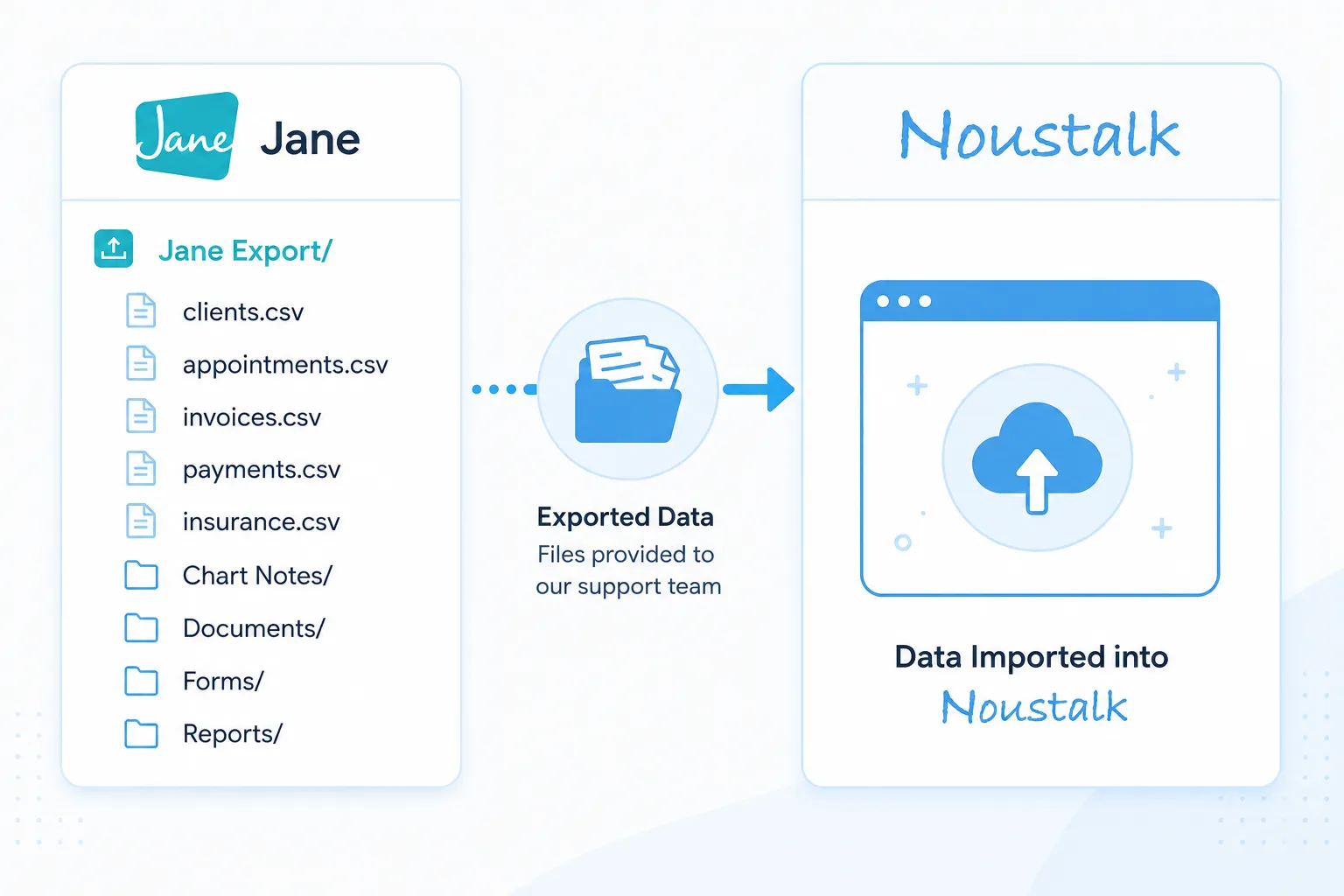
Data Ownership Check
Ensure you are the designated Account Owner or have Full Access. If not, request your clinic administrator to run these exports.
Exporting Client Records
Head to Reports > List. Filter to a single practitioner if needed. Use the three dots to select 'Export to Excel'. This file will include all contact information and profiles.
Exporting Appointments
Go to Reports > Appointments. Select your Date Range (we recommend extending it to the next calendar year to catch future bookings). Use the three dots to 'Export to Excel'.
Exporting Clinical Notes
Navigate to Reports > Notes. Use the three dots to 'Export to Excel'. For batch PDF exports of charts, you must contact Jane support directly at support@jane.app.
Exporting Insurance & Billing
Go to Reports > Insurance Policies. Use the three dots to 'Export to Excel'. This includes billing and policy details.
Exporting Inventory & Products
Go to Reports > Inventory and use the three dots to 'Export to Excel'. Note: this report is clinic-wide and cannot be filtered by a specific practitioner.
Meet your dedicated Migration Specialist.
You aren't just handed a tool, you're given a team. Our experts handle the heavy lifting so you can focus on your clients.

Secure & Complete Data Transfer
Your practice history is safe with us. We seamlessly import everything you need to hit the ground running.
Client List
Names, contact information, and basic client profiles.
Appointments
Past and upcoming schedules, including recurring appointments.
Notes & Charts
Past session notes, chart entries, and clinical documentation.
Insurance Policies
Client insurance details and billing history.
What clinicians using NousTalk are saying.




“I continue to appreciate how responsive NousTalk is — they actually listen to their users and act on it.”
Terri B., RP
Solo practice · Toronto
“Moving off a legacy system we'd used for over 10 years sounded daunting — the NousTalk migration team made it frictionless. Now our clients thank us for the secure private portal.”
Jessica R., MACP, RP, DCP
Group clinic · Mississauga
“This software is a gift — and having real support with all the techy stuff made getting started painless.”
Carey H., Clinical Therapist
Solo practice · Vancouver
“We used to spend days building forms by hand. Now I drag and drop a scored questionnaire into the AI Form Builder and it's ready in minutes.”
Don M., RP, CCC
Group clinic · Edmonton
Frequently Asked Questions
Common questions about switching to NousTalk.
Ready to see NousTalk on your own practice’s workflow?
1:1 onboarding with a real human. We’ll have your old data imported and your client portal invitations ready before your first session.
Or book a 60-minute demo — we’ll walk through your current EHR pain points and show you the equivalent in NousTalk.
Trusted by mental health providers in 13 countries. Migrations from Jane, Owl, Telus Health, SimplePractice, and others. HIPAA · PHIPA · Loi 25 · Bilingual EN/FR.